
01From words to scenes
Text to Video AI
Write who or what is in the scene, where it happens, and what moves. Add camera direction to guide the clip.
- Set the subject and location
- Describe one clear action
- Add a camera move
Digen AI
Make Digen AI video clips and still images from a prompt or photo with our AI video generator and AI image generator.
AI Model
Prompt *
0/900Optional audio reference
MP3, MPEG, or WAV, up to 10 MB. Fast does not support M4A.
Aspect Ratio
Video Quality
Video Duration
4s – 15sVideo workflows
Create a new scene from words or build a clip around a photo. Use your prompt to describe the action and camera.
Choose a demo, then bring your own idea to the workspace.
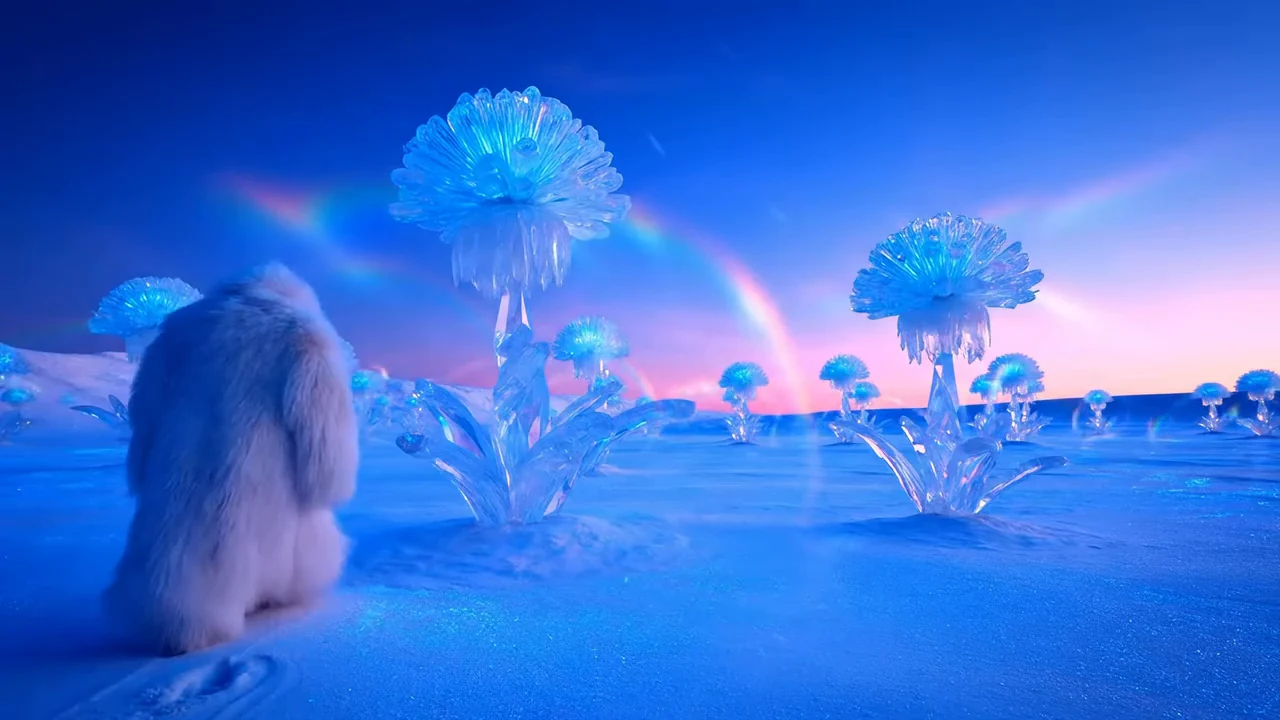
Write who or what is in the scene, where it happens, and what moves. Add camera direction to guide the clip.
Use a photo as the visual starting point. Add a short description of subject movement or the camera move you want.
Choose the clip length, resolution, and aspect ratio available for your selected video model.
Start with text or an image, choose the right Digen AI video mode, then generate and download your result.
Click Free AI Video for a Digen AI video workflow: Text to Video or Image to Video. Click Free AI Image for Text to Image or AI Image Editor.
Write what you want to see. For video, describe the subject, action, camera movement, and duration. For images, describe the subject, style, size, and details.
Click Generate, wait for the preview, then download the result you like. If it is not right, edit the prompt or uploaded image and generate again.
Make visuals for where your idea will appear: a social feed, a product promotion, or a campaign layout.
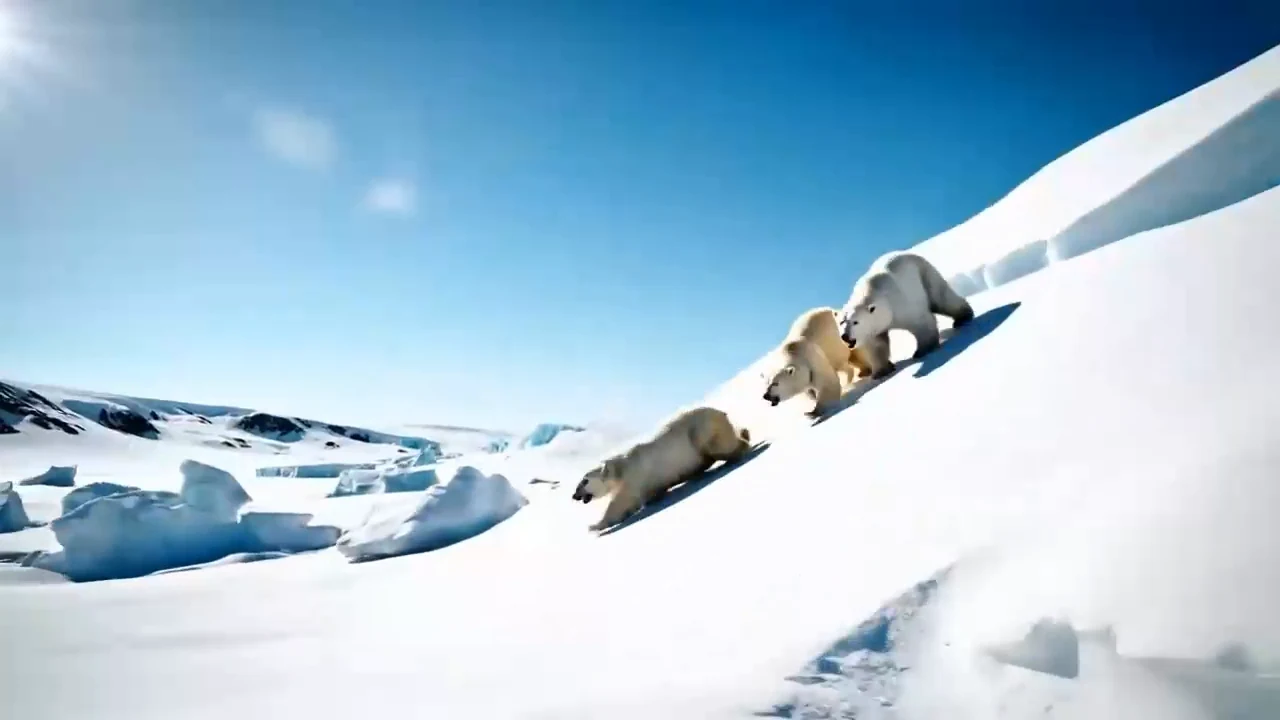
Turn a scene idea into a short clip for TikTok, Reels, or Shorts. Use a photo when you want a visual reference.
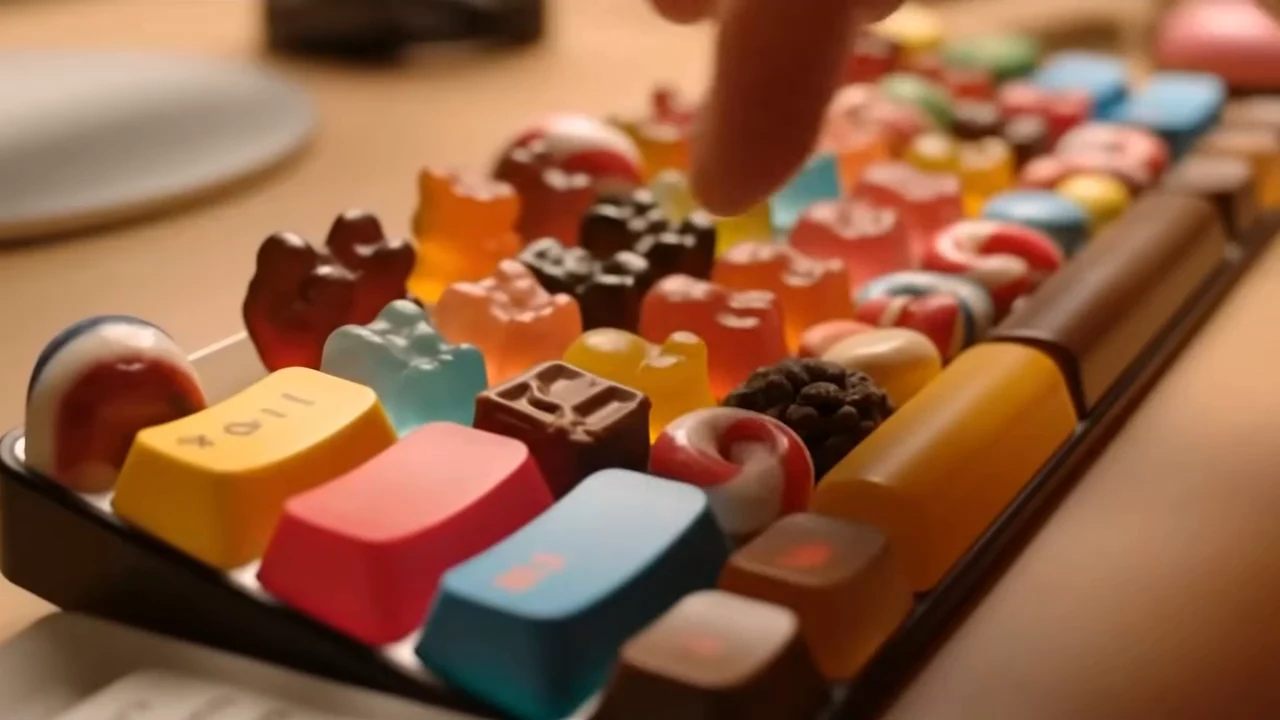
Generate a product setting or campaign concept as a clip or still image. Add your final branding, captions, and layout in your editor.
Creators use Digen AI to move faster from prompts and reference images to polished visuals for campaigns, products, and social posts.

Creative lead
Digen AI helps us turn campaign ideas into usable image and video drafts before the design team opens a full editing suite.

Ecommerce founder
We use it to test product scenes, backgrounds, and short social concepts without scheduling a new shoot for every variation.

Social media manager
The workflow is fast enough for daily content. I can upload a reference image, describe the change, and compare versions in one place.

Marketing consultant
Digen AI gives clients a clear visual direction early, which makes approvals smoother before we commit time to final production.
Fast, clean AI video and image creation
Create social-ready Digen AI video clips and images with quick generation, watermark-free downloads, HD output, and simple browser-based tools.
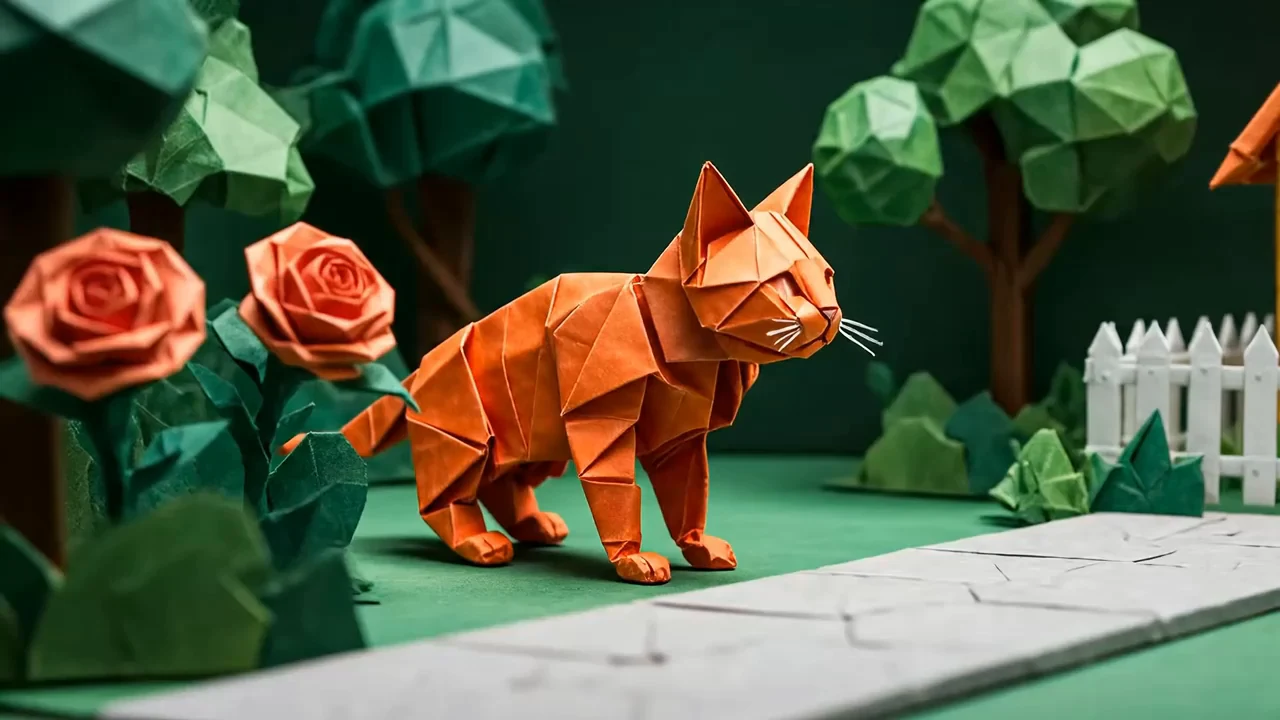
Go from prompt or photo to a Digen AI video preview quickly, so you can test ideas, compare versions, and keep your creative workflow moving.
Export clean videos and images without a Digen AI watermark, ready for TikTok, Reels, Shorts, ads, and client previews.
Create sharp, high-definition results with clear detail, natural motion, and polished visuals for social and marketing use.
Generate short Digen AI video clips built for modern feeds, product demos, storyboards, and quick campaign concepts.
Try text-to-video, image-to-video, text-to-image, and AI image editing online before you commit to a larger project.
Use plain prompts and reference images instead of complex software, cameras, actors, or manual editing timelines.
Choose a plan around the projects you make and how often you create. Compare the credits and access included below.
For exploring image prompts and trying your first video ideas.
Includes:
For teams developing visuals across several active projects.
Everything in Pro, plus:
For creators making recurring social posts and product content.
Everything in Basic, plus:
Answers to common questions about Digen AI video generation, image to video, HD exports, no watermark downloads, credits, and commercial use.
Start from a prompt or reference image, choose the right model, check the credit cost, and generate a clean visual for social posts, ads, or product ideas.